GoPro Mission 1 Pro ILS Review: A Bit of a Head Scratcher
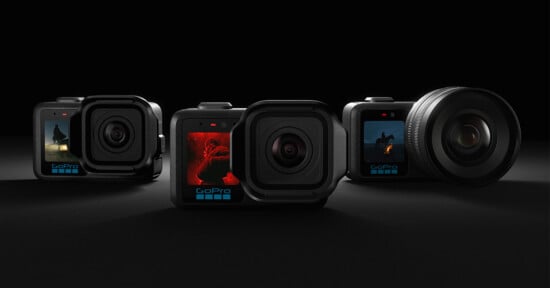
A few months ago, GoPro launched an entirely new line of cameras, targeted more at professional videographers than the more consumer-focused Hero series has traditionally been. At that time, we were promised a Micro Four Thirds mount camera in the future, and that future is now. After spending some time shooting with a wide array of lenses, I have some thoughts on the utility of this $700 camera and whether it will be the massive success GoPro desperately needs.
The thing is, GoPro is struggling as a company, and they need a hugely popular mass-market product. This is the opposite of that.
Pros
- Solid image quality
- Class-leading slow motion recording, up to 960fps
- Relatively affordable
Cons
- Unpowered mount means most lenses will not function
- Digital stabilization does not work with slower shutter speeds
- Small displays make focusing very difficult without monitor or phone app
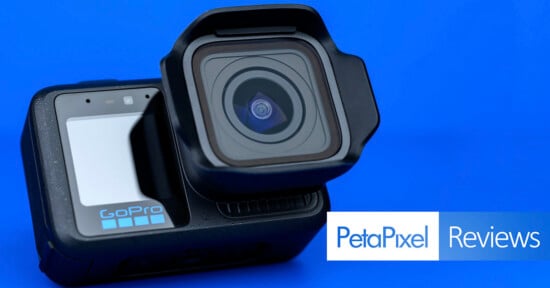
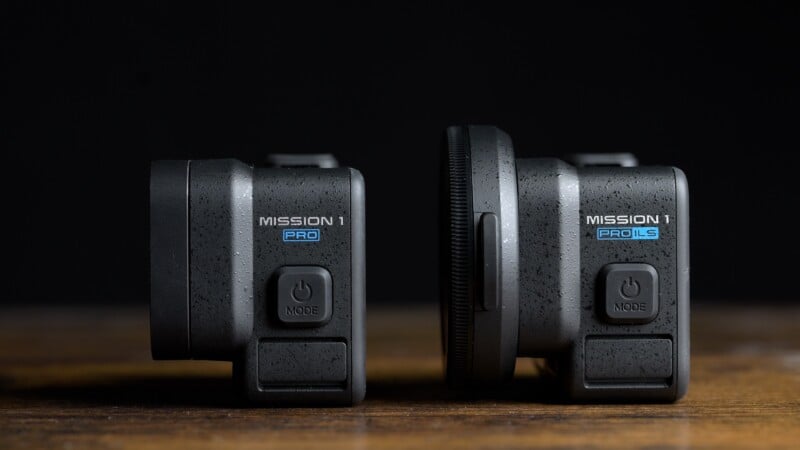
Before we get started, let’s do a quick refresher course on the Mission 1 line. Essentially, this is a more professional series of action cameras that started with the Mission 1 Pro back in the spring. What separates these from traditional action cameras is the large Type 1 sensor capable of 8K recording. The first two cameras in the line, the Mission 1 and Mission 1 Pro, both sported a fixed ultra-wide lens. I praised the image quality and recording modes of the Mission 1 Pro at launch, but had some issues with usability. If you are curious about specific recording modes or image quality, I recommend checking out that review.
For the ILS, I’ll instead be focusing on the advantages (and frustrations) that an interchangeable lens design brings to the table.
GoPro Mission 1 ILS Review: How It Feels
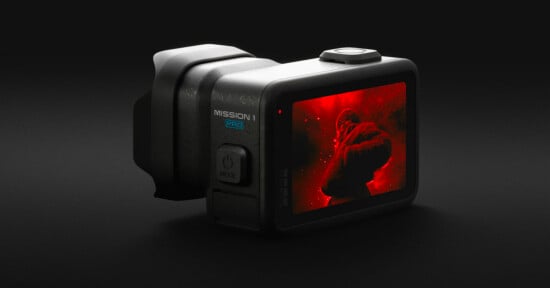
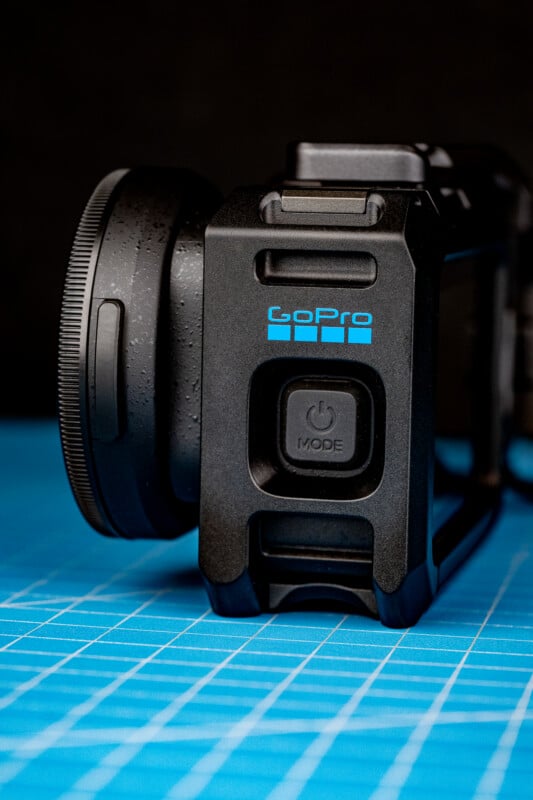
The camera body is basically the Mission 1 Pro, but without the lens. However, because of the need for a lens mount, the ILS ends up with the same 207 gram weight. Controls, interface, and displays are identical, which will make it very easy for videographers to add an ILS to their GoPro setup without much of a learning curve. This is also compatible with the same three mounting types as the Mission 1 Pro, with 1/4-inch threads, traditional GoPro mount, and the new magnetic mounts. Obviously, one major difference is that the ILS is not waterproof, though GoPro does claim a degree of weather sealing if you keep your lenses protected.
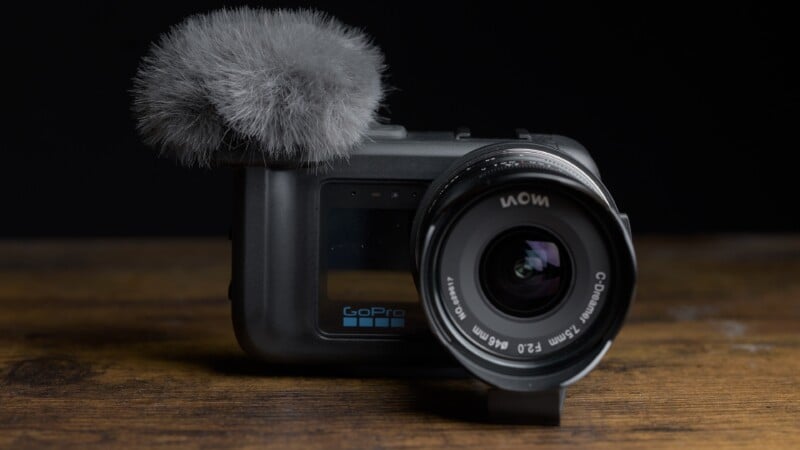
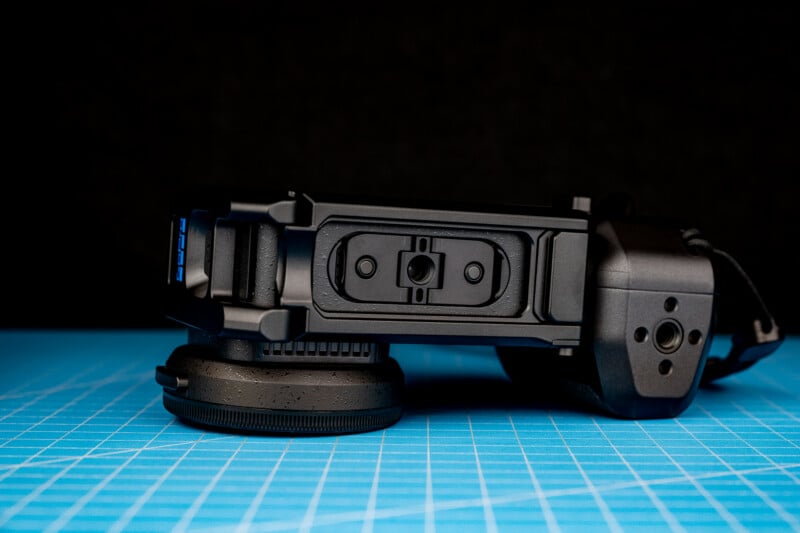
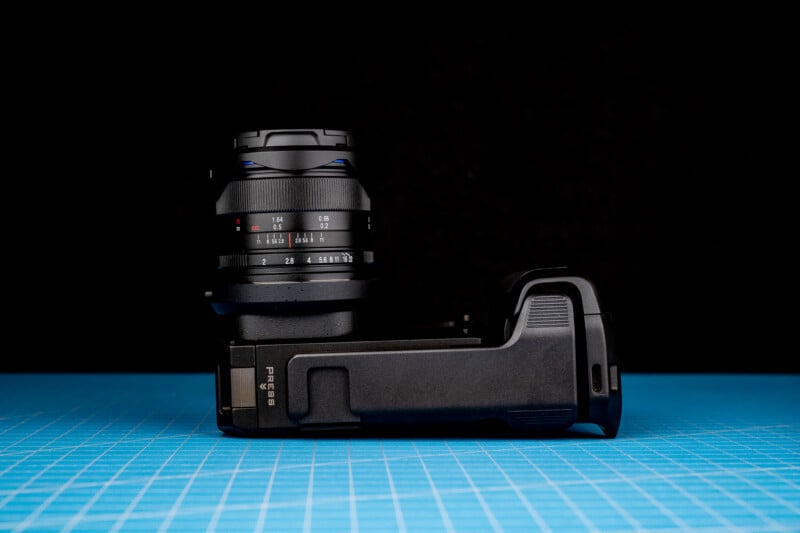
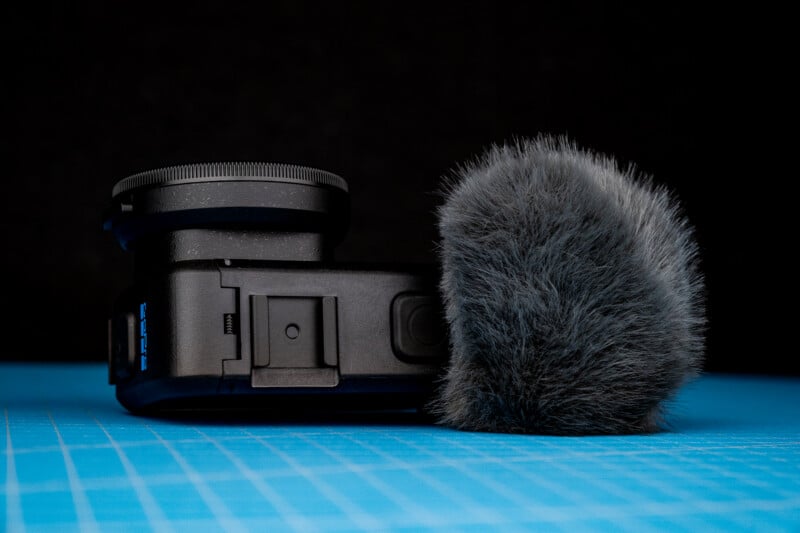
The ILS features the same dual displays seen in previous GoPro cameras: a 2.6-inch 806K dot rear touch LCD, and a small 1.4-inch 172K dot front panel mostly useful for checking your framing and double check that the camera is recording. One accessory I really want to draw attention to is the Media Mod Cage ($149.99), which I would consider an almost mandatory add-on. This small cage adds 3.5mm mic and headphone ports, a remote input, micro HDMI, and an easily accessible USB-C port. As well, this has a pair of shoe mounts, a mic with a windscreen, and a slightly raised grip, which makes handholding much more comfortable. The only drawback is that the windscreen makes it a bit trickier to hit the record button, but overall this accessory makes the ILS much more usable.
GoPro Mission 1 ILS Review: How It Shoots
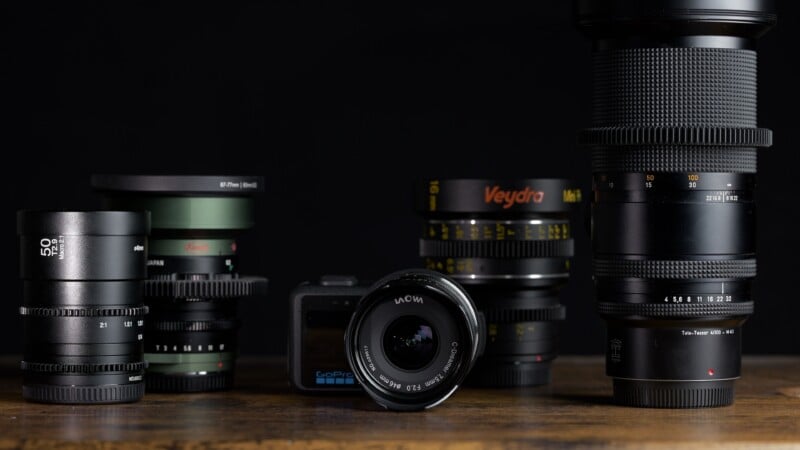
Let’s talk about lenses. The Micro Four Thirds lens mount initially made a lot of sense to me, as there is an expansive lens lineup and these lenses are designed to cover a 2x crop factor, so they would easily cover the Type 1 sensor with a 2.7x crop. Unfortunately, the lens mount does not have any contacts, which are required for nearly all autofocus lenses to not only manually focus, but also adjust aperture. Instead, this works with native or adapted fully mechanical lenses, like vintage photo lenses or cinema glass. GoPro provided this Laowa 7.5mm lens for testing, but thankfully industry legend and all-around nice guy Alex Mitchell provided me with a bunch of lenses from Kowa, Veydra, Laowa, and Zeiss so I could do more comprehensive testing.
Moving to interchangeable lenses means that, unlike the previous Mission 1 cameras, we now need to worry about focus. This has some advantages, as I really struggled with the Mission 1 Pro’s 2-foot minimum focus distance. Now we can focus on close-up subjects and get some shallow depth of field as long as you’re using the right lens. To assist in manually focusing, the ILS adds focus peaking as well as two levels of punch-in magnification. Just remember, without using an app or monitor, you will be attempting to focus on a 2.6-inch less-than-a-million-dot display, which I think is asking for trouble.
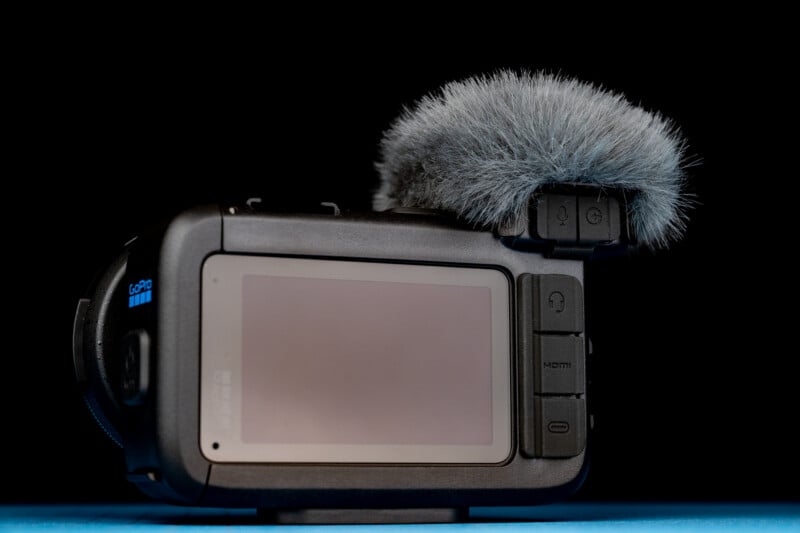
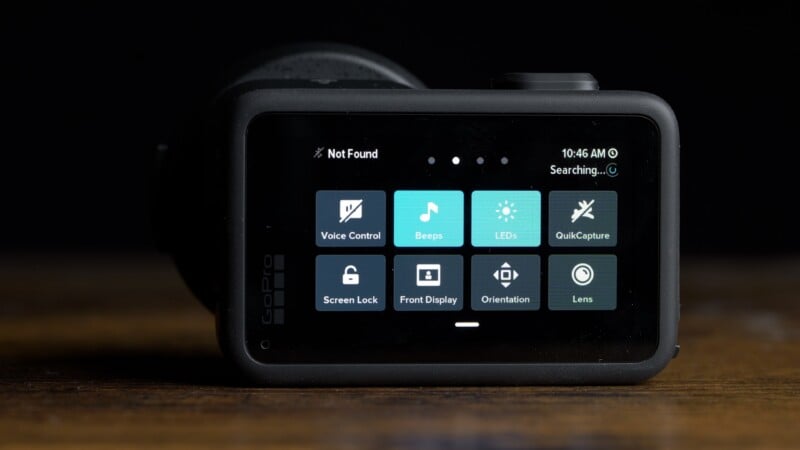
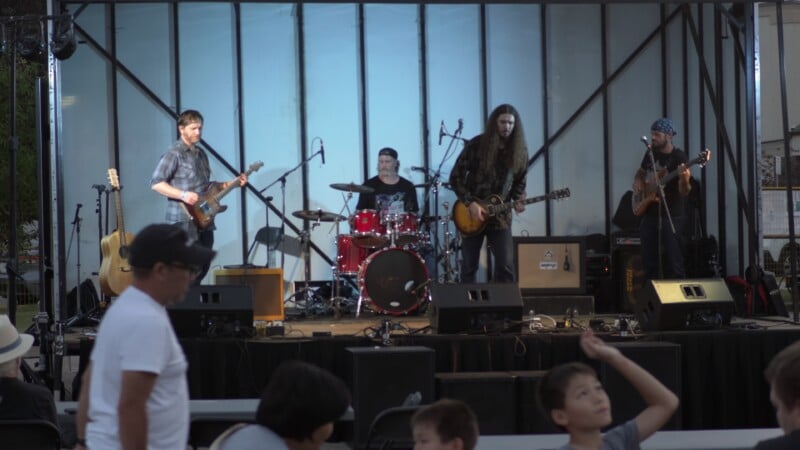
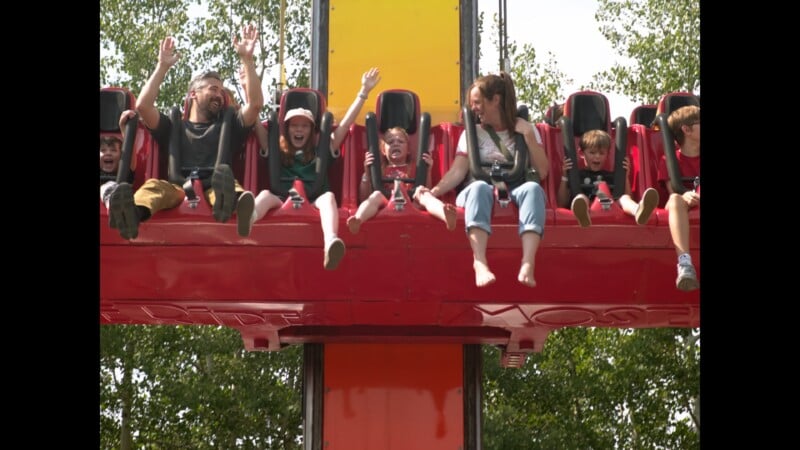
So what’s it like to use? For my first test, I tried using ILS stripped down with just the Media Mod cage. Using a trio of Veydra Lenses from 12-35mm (32-105mm full-frame equivalent) at a local amusement park, I enjoyed the incredibly small package and how discreet I could be while filming. The interface worked surprisingly well for setting exposure, but I was constantly second-guessing it and struggled with precise focus, even while punching in. Upon reviewing my footage from the day, I was impressed with the quality of many clips, but was also disappointed to find many out-of-focus or mis-exposed shots.
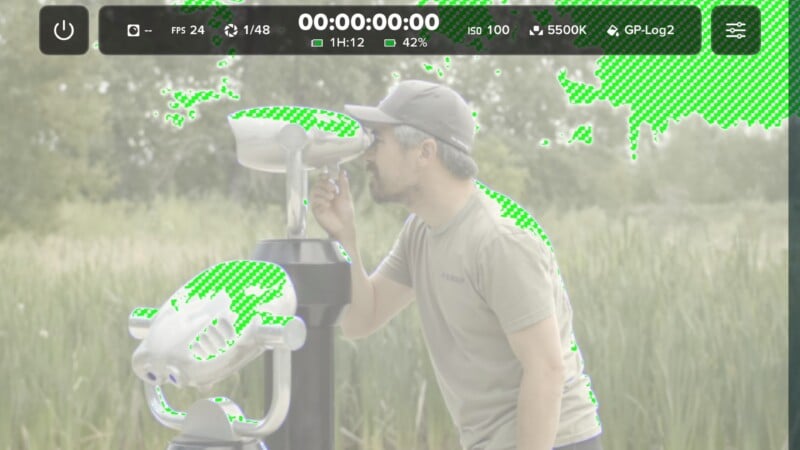
Lessons learned, the next day I went out with my phone attached to the cage and fired up the new Mission Monitor App. This certainly makes hitting focus and exposure much easier, and allows you to use your own preview LUTs while filming. I appreciated having Zebra as well to keep from overexposing the image (Quick message for GoPro: requiring us to download GoPro Labs in order to access a histogram is really frustrating). However, there is a tiny bit of latency even when connected by USB-C, and this can make pulling focus precisely a bit tricky. The punch-in resolution on the app is also lower than I would like to precisely ascertain focus. And finally, by the time I built the ILS up enough to make it usable, it’s not really smaller than something like a Panasonic GH7 or Sony FX30.
GoPro Mission 1 Pro ILS Review: Image Quality
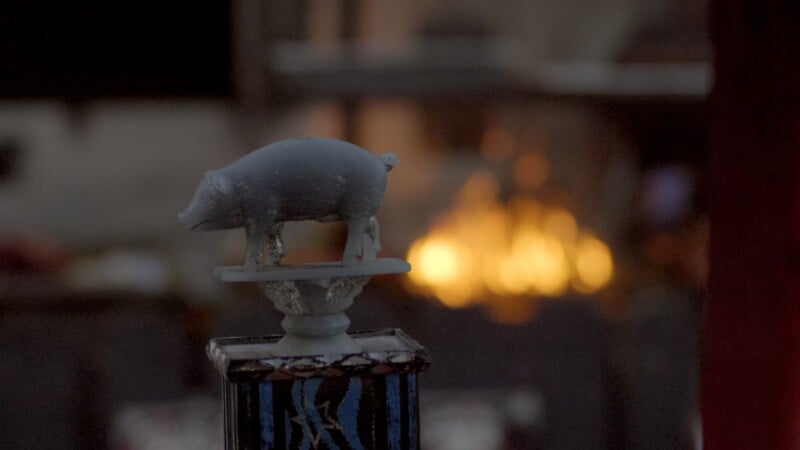
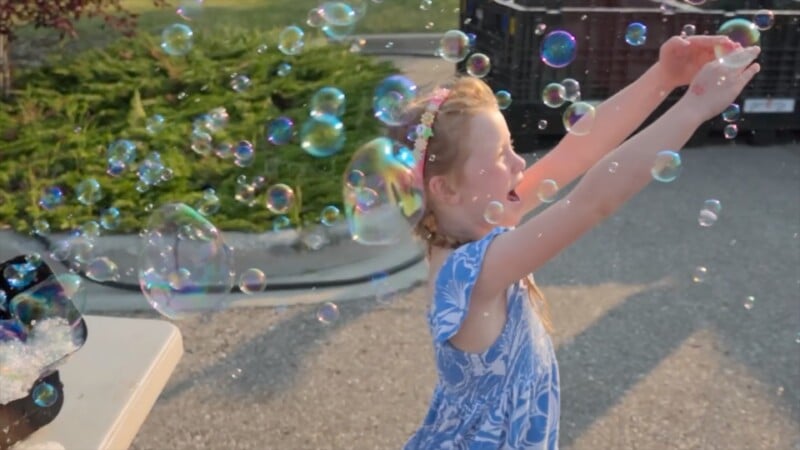
Image quality is identical in a technical sense to the Mission 1 Pro, which is to say very good. However, like that model, you will find that 4K capture has significantly cleaner shadows than 8K. This forces you to choose between resolution and dynamic range, which is often a difficult choice. Slow motion quality is outstanding, with solid detail all the way up to 4K/240p. The headline-grabbing 1080/960p footage may not be terribly detailed and can only be recorded for 10 seconds, but the effect is undeniably impressive.
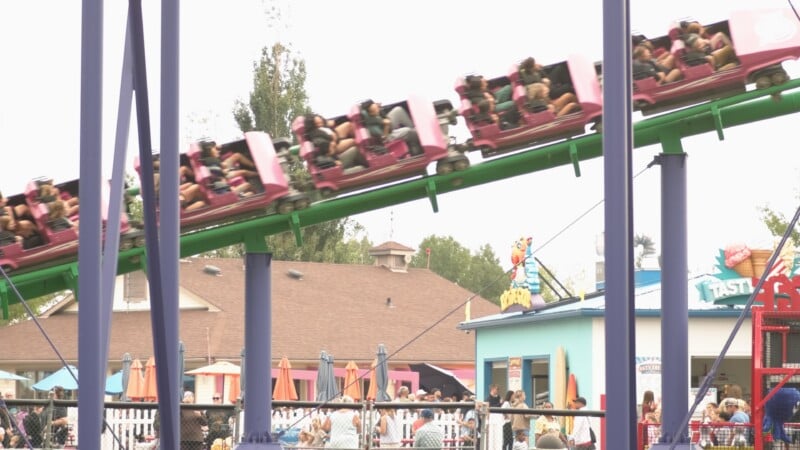
One important issue is worth discussing in detail here, as expectations will be different on an interchangeable lens camera than they are with an action camera, is stabilization. GoPros have long had excellent digital stabilization, but they really rely on fast shutter speeds to work properly. Stabilization is still available on the ILS with a minor 10% crop to enable “Hypersmooth.” You just have to manually select your focal length whenever attaching a new lens.
When using high frame rates or lower frame rates with fast shutter speeds, it works quite well. However, when using slower shutter speeds with slower frame rates that are typically used in filmmaking, like 24p at 1/48 second, there is constant distracting blurring even with moderately wide lenses. This could be avoided with optical stabilization or IBIS, but sadly the ILS doesn’t support either. I would turn stabilization off when shooting anything slower than 1/120 of a second, and consider a small gimbal when moving with the camera.
GoPro Mission 1 ILS Review: Who is it for?
This is a tough question to answer. My initial thought when this was announced was that the ILS would be an excellent addition to action sports events that already use many GoPros for POV shots, as the images would be extremely easy to match for color. However, these cameras would be tough to run remotely as a second remote mechanical system would be required to adjust focus, zoom, and aperture, and these systems cost substantially more than the GoPro ILS itself. I could see a few manned ILS cameras being used by skilled operators at these sorts of events to provide a variety of focal lengths, but a broadcast camera will probably still be a more versatile choice.
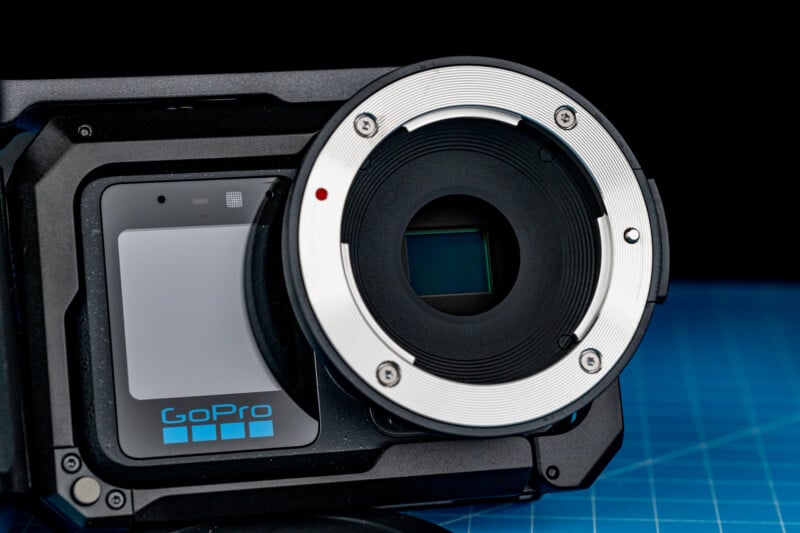
One audience I hadn’t considered are those who have Super 16 lenses and have been underserved by the camera manufacturers since the original Blackmagic Pocket Cinema Camera and Digital Bolex D16 were grabbing some attention. Since then, digital filmmakers with 16mm lenses have had to settle for heavy crops on larger sensors to use their glass. The 8K-capable Type 1 sensor in the ILS is very similar to Super 16 in size, so this could open some real possibilities for those lenses. For perspective, the Blackmagic Pocket could shoot full HD 1080 video up to 30p. The ILS can do 8K/60p, 4K/120p, and 1080 up to 960p! It might not shoot RAW video, but it opens up some amazing creative potential.
Finally, videographers looking for high-quality slow motion at a reasonable price might find it worth grabbing an ILS and a few vintage lenses. Not all slow motion is captured at an ultra-wide field of view, so having some options will be extremely useful for those shooting insects, wildlife and industrial tests, as long as they are comfortable with manual focus.

The thing is, GoPro is struggling as a company, and it needs a hugely popular mass-market product to dig out of the hole it is in. The audience of Super 16 lens collectors and slow motion aficionados is not big enough to make a real change to GoPro’s fortunes. So while I enjoyed much of my time with the ILS, I would have a tough time recommending it to many people. Except Alex Mitchell: he has all the glass for it.
Are There Alternatives?
A mirrorless camera like the aforementioned Panasonic GH7 is substantially larger, but it offers a larger sensor, extremely effective IBIS, full Micro Four Thirds lens support, and it will be usable without all the accessories required by the ILS. However, it cannot record 8K resolution or shoot 4K/240p.
The ILS is also dramatically less expensive at $700. If you don’t require interchangeable lenses, the Mission 1 Pro offers the same excellent image quality in a much more durable package. If you plan to shoot extreme activities, a traditional action camera like this is still probably the way to go.
Should You Buy It?
Maybe, if you fall into the narrow audience of 16mm shooters and slow-motion professionals I specified above. But for everyone else, the GoPro Mission 1 ILS will serve as more of a curiosity than a compelling product.
Affiliate Disclosure
PetaPixel articles may include affiliate links; we may earn a commission if you buy through one.