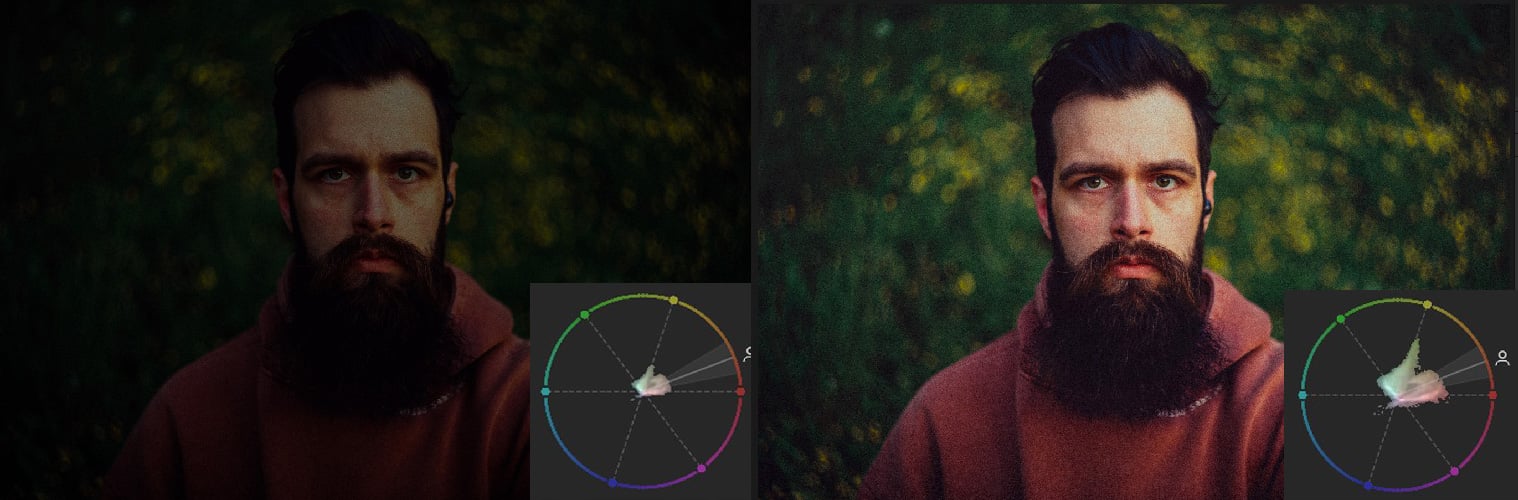
The vectorscope has finally arrived in Lightroom, and it is one of the most useful color tools a photographer can add to their editing workflow. The vectorscope showed up in Adobe Camera Raw a few months ago, and the examples below were shot there. So, in the video, I was still using a third-party solution called Scopes3 for my edits, but now that it has finally arrived in Lightroom as well, it’s time to talk about it.