PlantCam Is a Timelapse Camera for, You Guessed It, Your Plants
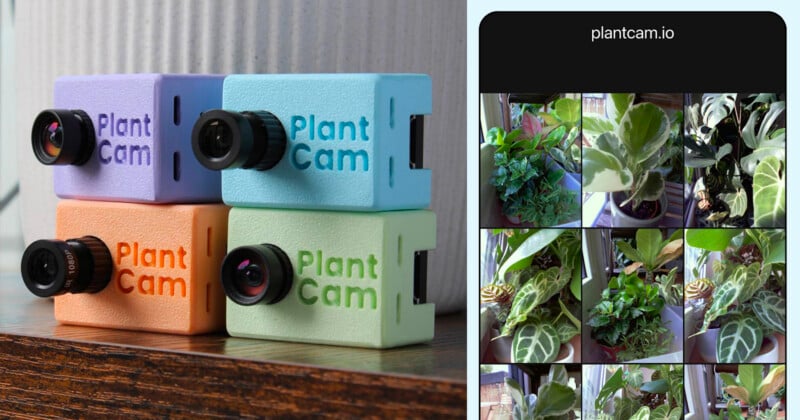
Aptly named PlantCam has introduced a compact timelapse camera and app designed specifically for monitoring plant growth, giving plant owners a new way to document how their plants change over time.
Rather than requiring users to manually photograph their plants, PlantCam is designed to operate continuously in the background. The camera captures images throughout the day, allowing users to monitor growth patterns, observe changes, and better understand how their plants respond to their environment.
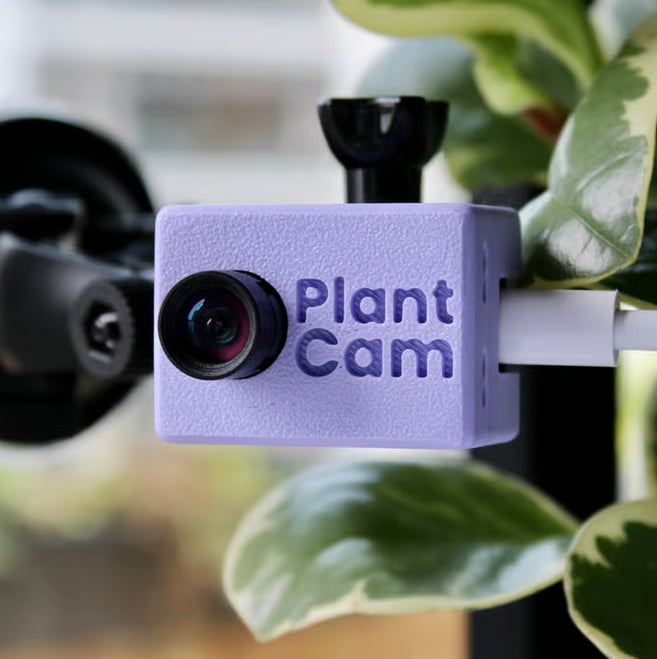
The $150 camera attaches directly to a window and automatically captures images at scheduled intervals, allowing users to create timelapse videos through the PlantCam app.
A Camera Built Specifically for Plant Growth
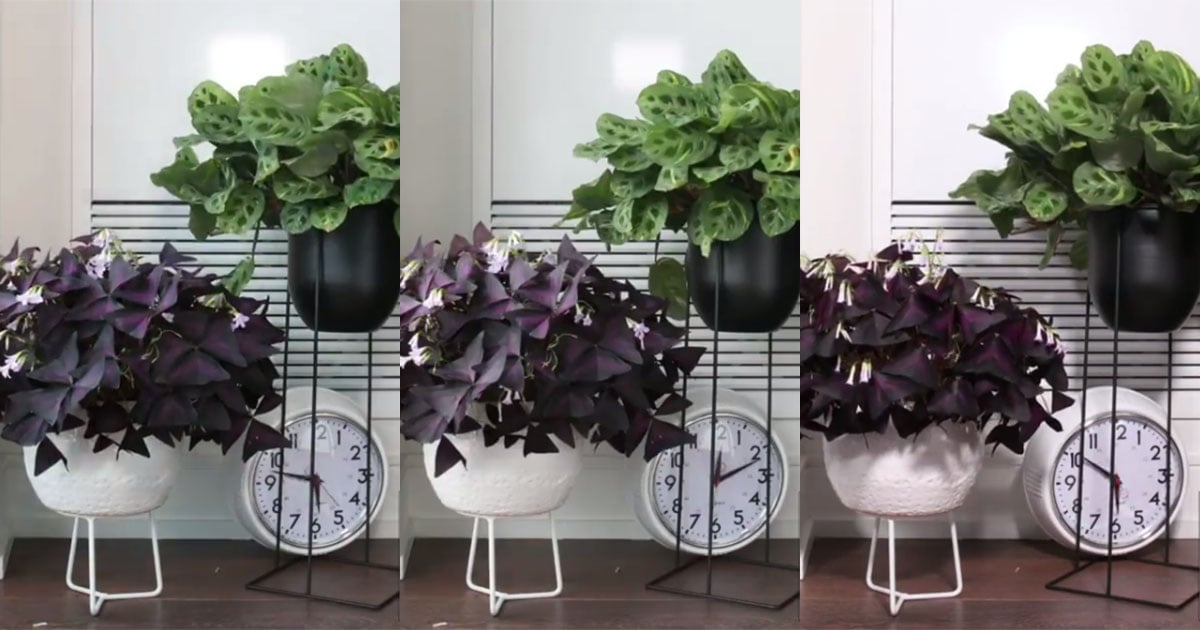
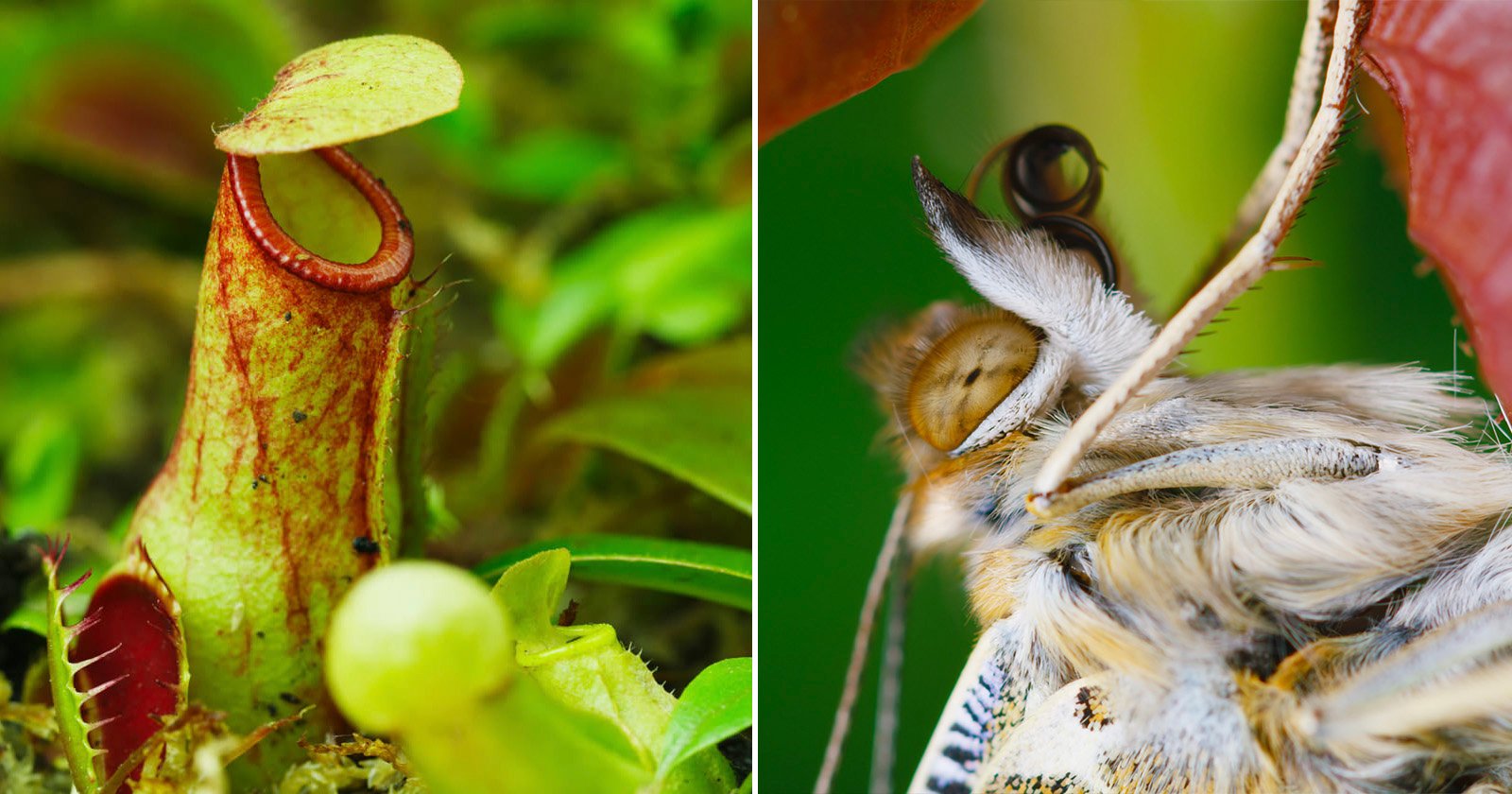
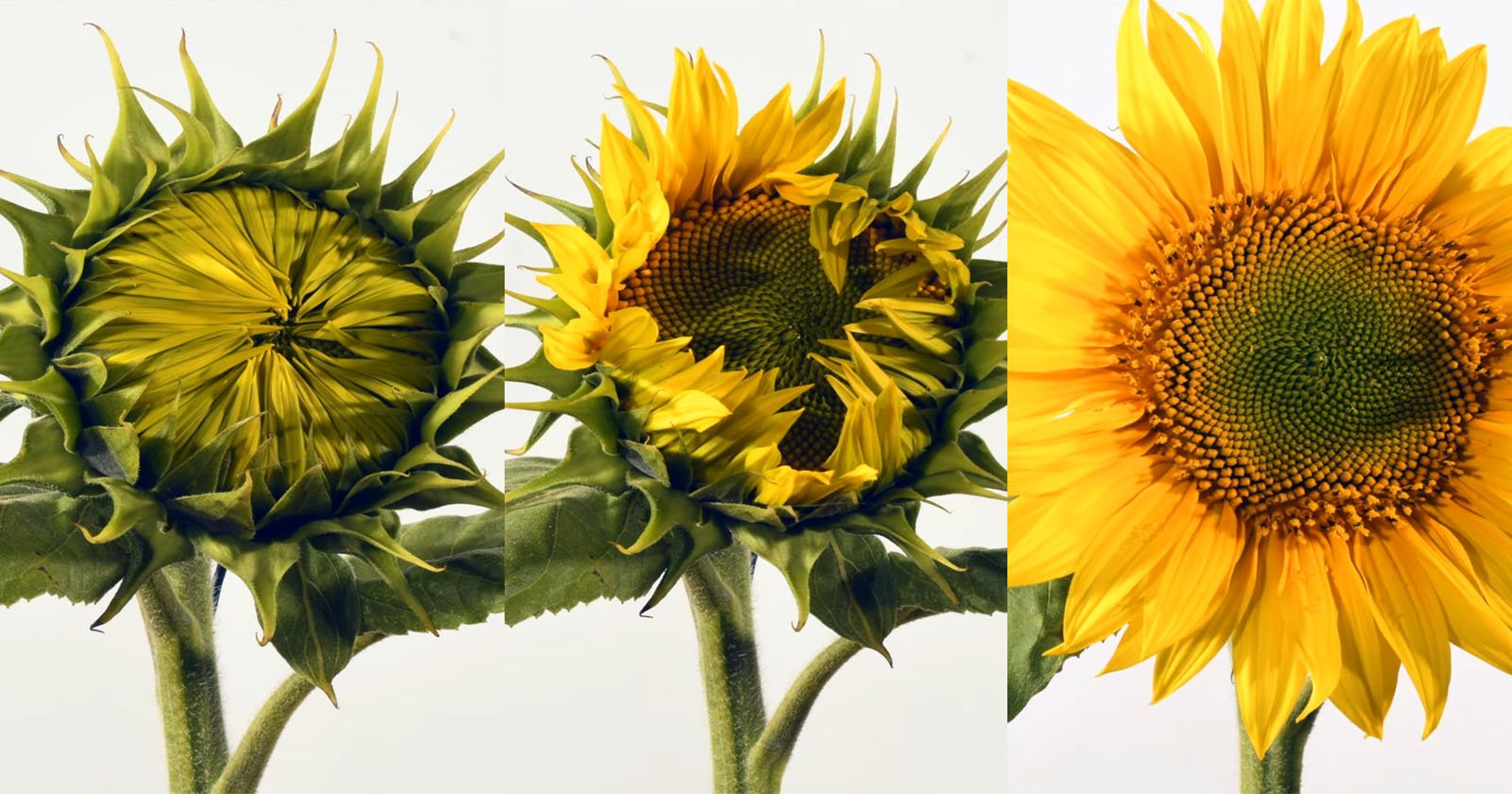
PlantCam is designed around the idea that plant growth is often too slow to notice in everyday life. By automatically capturing images over extended periods, the camera allows users to see new leaves emerge, flowers develop, and plants respond to changing conditions through a condensed timelapse video.
The device mounts to a window using the included suction cup and captures still images at user-defined intervals. PlantCam does not record traditional video or audio, instead focusing exclusively on scheduled photography and timelapse creation.
The camera uses a 5-megapixel sensor capable of capturing 2560 × 1920 pixel images. Captured photos are processed using AI-based image enhancement technology designed to improve image quality, increase sharpness, and reduce noise.
Automated Timelapse Creation Through the PlantCam App
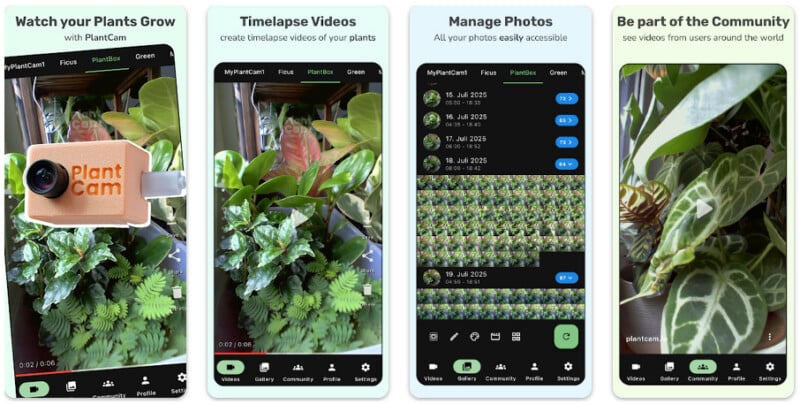
Once installed, PlantCam automatically captures images and uploads them to the cloud through a Wi-Fi connection. Users can then access their photos through the PlantCam app and create timelapse videos directly from their smartphone.
The camera can capture between one and six images per hour, allowing it to record up to 144 images per day. When creating a timelapse, users can select their preferred date range and playback speed, with PlantCam generating the final video through cloud processing.
The company says the video processing system uses brightness normalization to reduce flickering caused by changing lighting conditions. AI-based frame interpolation is also used to create smoother transitions between images.
Two Lens Options for Different Plant Setups
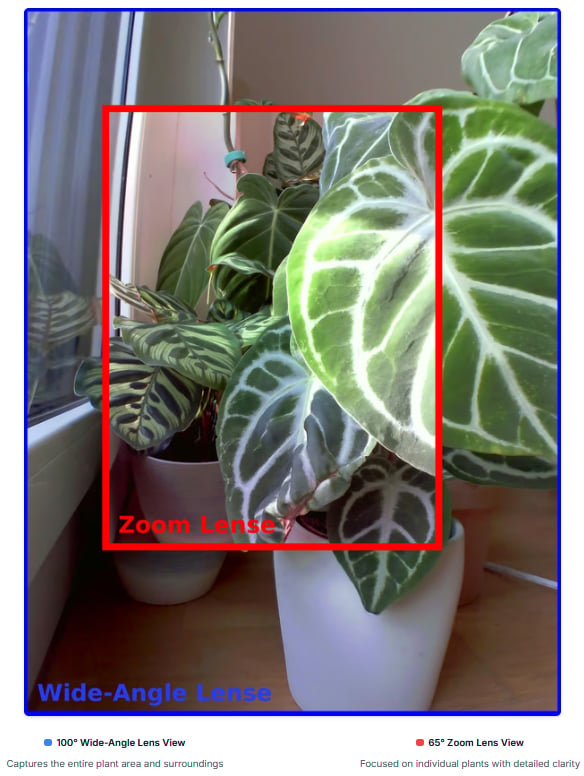
PlantCam is available with two lens options designed for different monitoring situations. The 100-degree wide-angle lens is intended for capturing larger spaces, multiple plants, or wider views of a growing area.
A 65-degree zoom lens option is designed for closer views of individual plants, flowers, and detailed growth changes. This allows users to focus on a specific plant rather than an entire room or collection.
Window-Mounted Design With USB-C Power
PlantCam is designed for long-term monitoring and does not include an internal battery. Instead, the camera uses USB-C power, allowing it to remain connected and operating without requiring battery replacements or charging.
The compact camera measures approximately 1.8 × 2.0 × 1.3 inches (45 × 52 × 32 millimeters) and weighs approximately 1.1 ounces (30 grams). It is designed for indoor use and can operate in higher-humidity environments, but it is not weatherproof and is not intended for outdoor exposure.
Because PlantCam relies on continuous power and Wi-Fi connectivity, users can leave the camera positioned near their plants for extended periods while images are automatically uploaded and processed.
Cloud Storage and Privacy Features
Unlike cameras that rely on removable memory cards, PlantCam uploads images directly to cloud storage, allowing users to access their photos and timelapse videos through the app without manually transferring files.
The company says captured images and videos remain private and are only accessible through the user’s account. PlantCam does not include a microphone, speaker, or location tracking features, and the camera cannot be remotely activated.
The device is designed to perform only its scheduled function: waking up, capturing an image, uploading the file, and returning to a low-power state until the next capture interval.
Designed From a Personal Plant Care Challenge
PlantCam was created by founder Yannik after moving into a new apartment and purchasing houseplants for the first time. After struggling to understand why some plants were thriving while others were not, he developed the idea of using a camera to monitor plant growth and identify changes earlier.
“I enjoyed my plants so much that I spent a lot of time trying to understand how to best take care of them, how often to water them, which pot size to choose, and how much sunlight they need,” Yannik says.
“When I wasn’t at home, I sometimes worried that my plants might burn in the sun. I wanted to be able to observe them remotely to make sure they were doing well. Unfortunately, two out of four plants died. To make sure that wouldn’t happen again, I invented PlantCam so I could always keep an eye on my plants. Today, PlantCam is my full-time startup project, and I work on it every day with full dedication to make it the best timelapse camera for plants.”
The company says PlantCam was created to help users better understand their plants by providing a visual record of growth over time, rather than relying only on occasional observations.
A DIY Alternative
For enterprising photographers comfortable with building something for themselves, PetaPixel featured an excellent guide in 2024 from Ted Kinsman about building a timelapse controller to take plant photos.
Pricing and Availability
PlantCam is available now for $150. Each package includes the PlantCam camera, a window suction cup mount, and a 3-meter (9.8-foot) USB-C cable. A USB power adapter is not included.
The PlantCam app is available for iOS and Android devices and allows users to configure camera settings, view captured images, and create timelapse videos. The company also offers cloud storage subscriptions for accessing and managing images remotely through the app.
Image creditsPlantCam