Google Pixel 11 Pro: The Top Four Creator-Focused Features
Over the course of two days, I had a few hours with the new Google Pixel 11 Pro, and I’ve narrowed it down to the four features aimed at photographers and videographers that I think deserve the most attention.
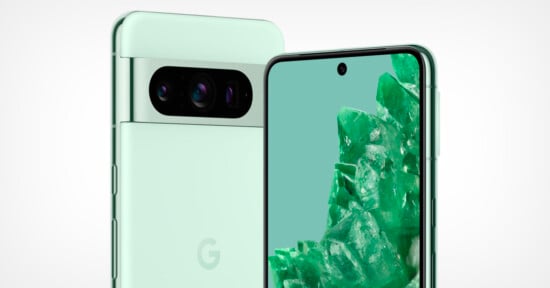
I’ll start off by saying that all of the new Pixel 11 phones have been upgraded with a new Tensor G6 processor, making everything faster and more efficient. And for the Pro model phone specifically, Google has updated the telephoto camera with a larger sensor with 30% more light sensitivity than the previous generation.
That’s the biggest hardware change I think is worth mentioning, but there are some updates to the experience worth highlighting. That starts with Magic Capture, which is a new capture mode on the main camera that allows you to capture video and photos simultaneously. After you’ve finished recording the moment, you can tap into your gallery and Magic Capture will start pulling out the best still photos from your video. I found during this photo walk that Magic Capture pulled out at least one to two photos from my 10- to 15-second videos, but I was told that there could be more photos pulled from a longer video or a video with more action.
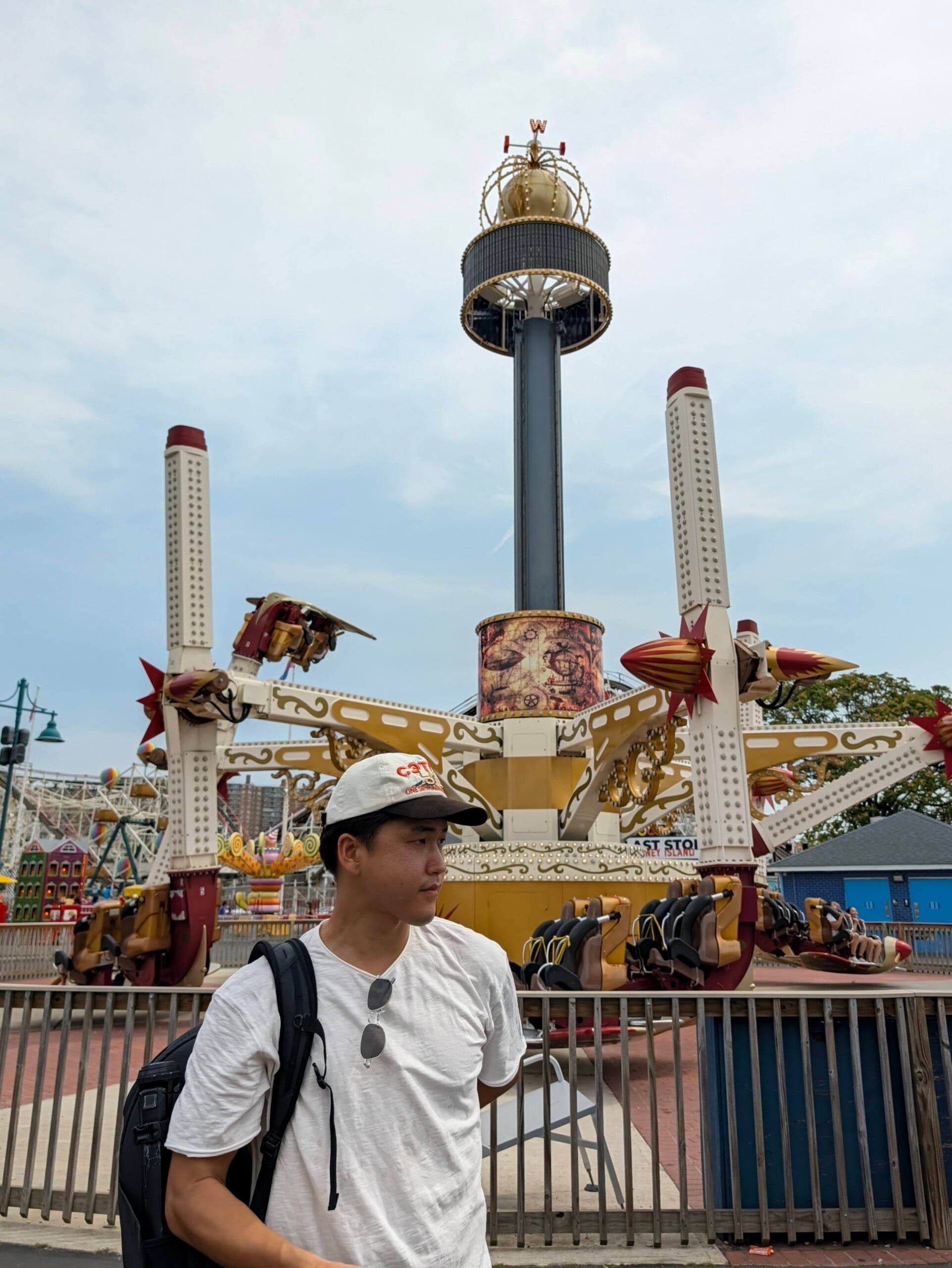
You can’t manually configure how many photos you want generated from a particular video, but you can go back into the video and select still images from the video manually. My biggest observation with Magic Capture so far is that the videos are not at the same level as taking a regular, non-Magic Capture video clip. In regular video mode, which by default on a Google Pixel is 1080p at 30 frames per second, I didn’t really have any problems. But in Magic Capture, which retains that 1080p video, for some reason it’s way less stabilized, and I could even notice it when I was holding the phone very still.
Considering that video and video quality are really important for me personally, I would probably always opt to take my videos in regular mode rather than in Magic Capture. That being said, Magic Capture is 100% meant for people to set it and forget it. And this isn’t meant to be an in-depth review of the feature yet, so you’ll have to stay tuned for the full review by Chris and Jordan to get their fully baked thoughts.
The next new feature is Google’s Camera Looks, which are best described as the company’s first-party film simulations, and they can all be customized and tweaked with pro-level features as well. On top of camera looks, which are basically live filters, you also have the choice between four different base camera looks, which act as a foundational style that the additional camera looks build on top of.

I ended up using vanilla as my base camera look, which gave everything a warmer tone, and I really enjoyed this over the non-filtered regular look. In total, there are six different customizable camera looks, and I liked Editorial the best.

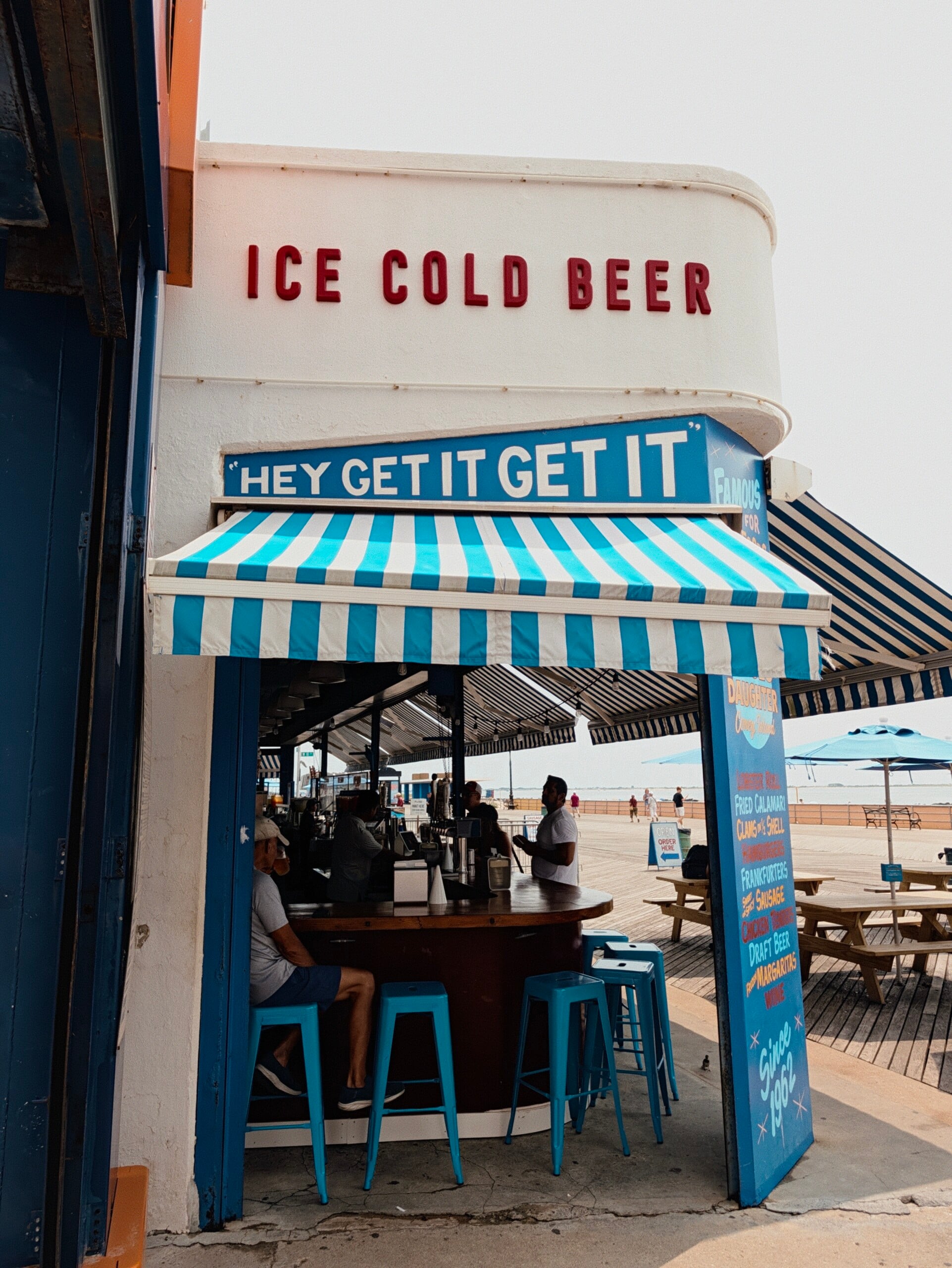
Next, there is a new menu in the video settings known as the Creator Suite, and these are actually something I find pretty useful. These are built directly into the video settings pane, and all of the new phones have access to five new tools built specifically for creators or anyone who creates content with their phone. The first one allows you to organize your content into dedicated project folders, so you don’t have to dig through your gallery looking for the right video, especially if you shot something across multiple days. You will find a teleprompter tool that highlights words on the camera screen to match your speaking pace. Google also added an audio visualizer so you can ensure your audio is being correctly recorded. There is also a speech enhancement mode, which basically reduces any background noise, and also a social grid overlay so you know exactly where your danger zones are while you’re filming.
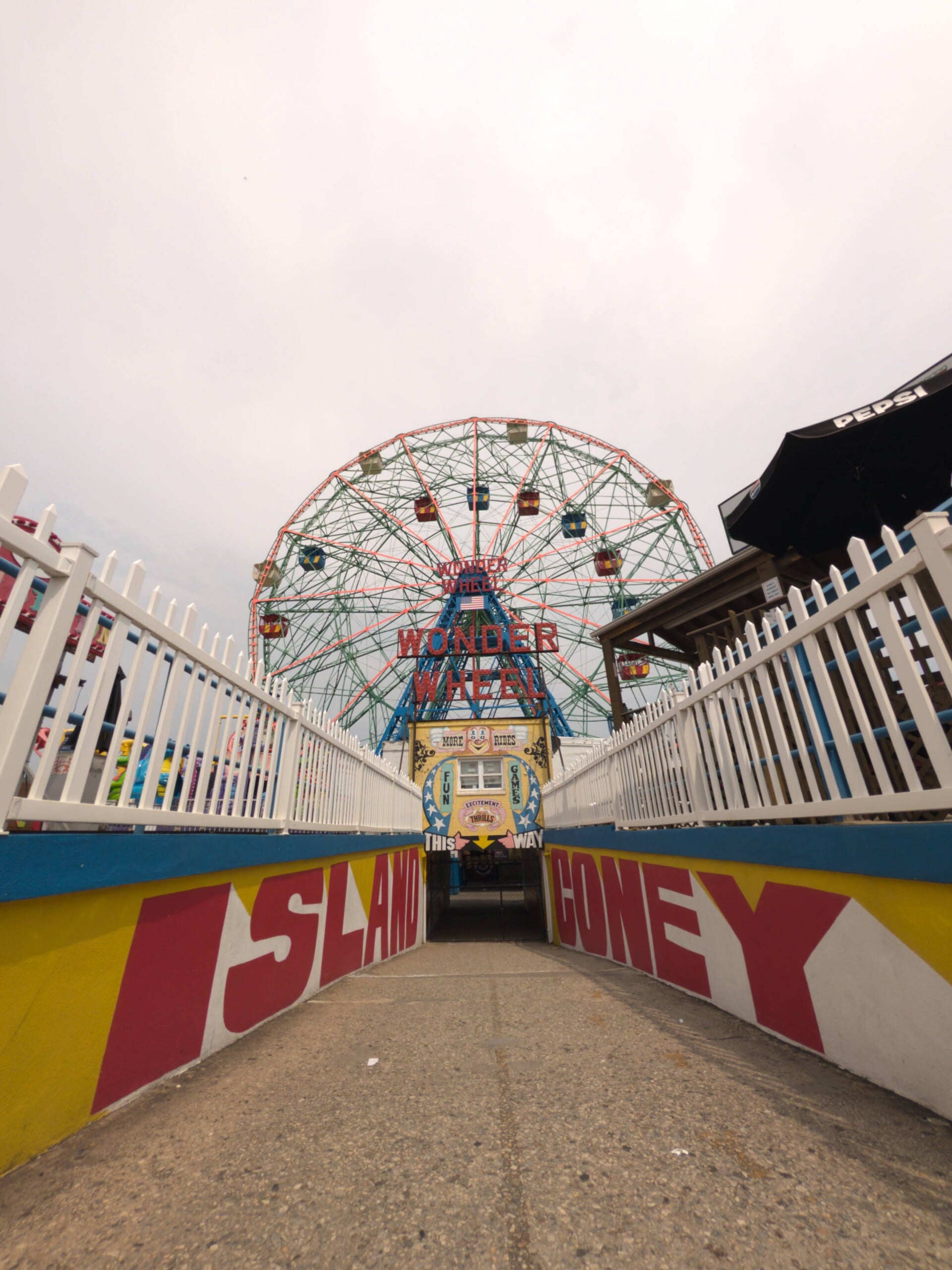
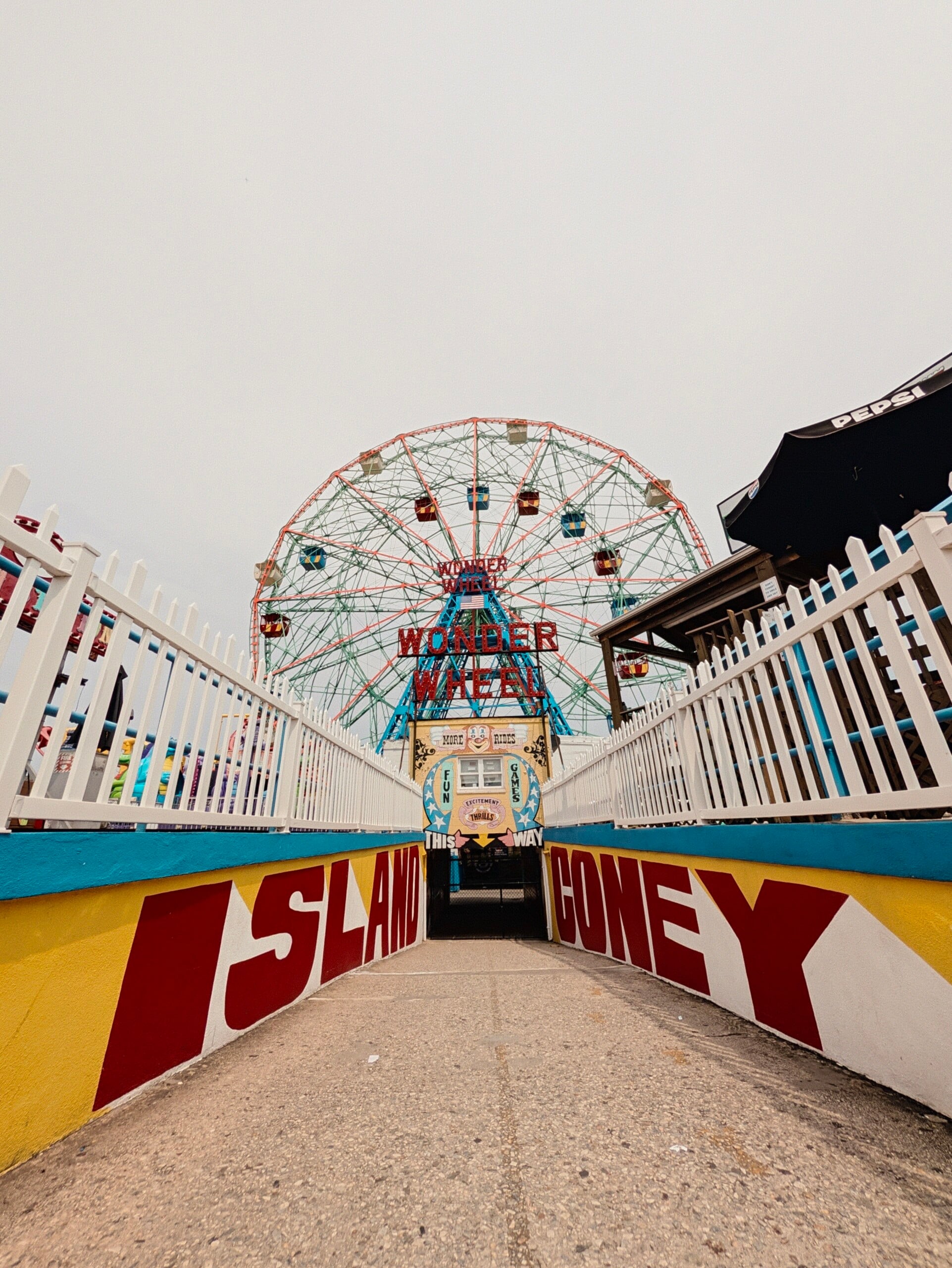
These may be a little niche for some people, but for me personally, I would use a lot of these tools, and I haven’t seen these as a feature from any other phones so far.
New to the Pro Phones now is a 5x telephoto portrait Zoom, which gives you even more compression that’s really nice for taking portraits of your friends. On top of that, Google has increased our Zoom capability even more by giving us a 120x Pro Zoom that gets AI-enhanced after you take the photo. It is worth noting that if ProZoom detects a person in the scene, the algorithm prevents inaccurate representations, and it will not enhance people.
I have yet to find the right use case for a 120X Zoom, but maybe one day it will come in handy.
That is going to conclude this first look at four of the most important camera upgrades to the Google Pixel 11 Pro, but stay tuned for the full review coming soon.