Capture One Brings 4 Highly-Requested Features to Mobile
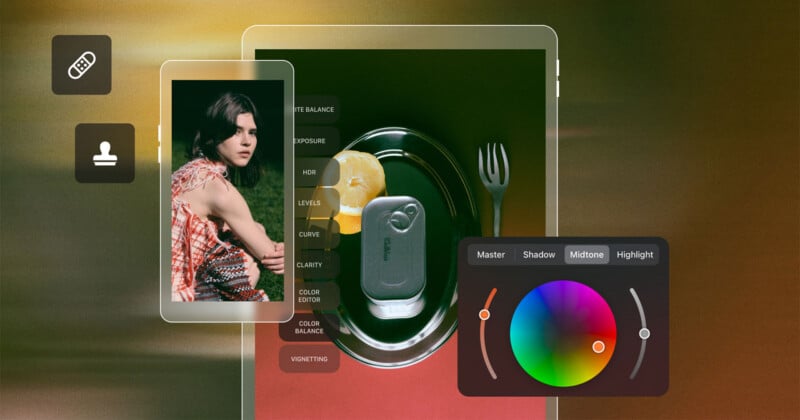
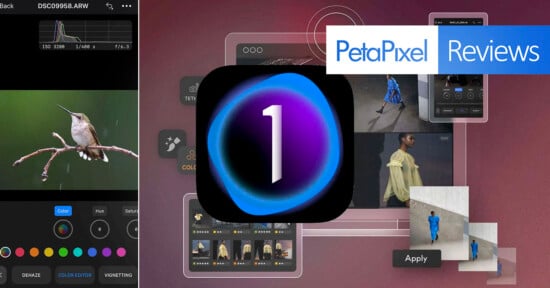
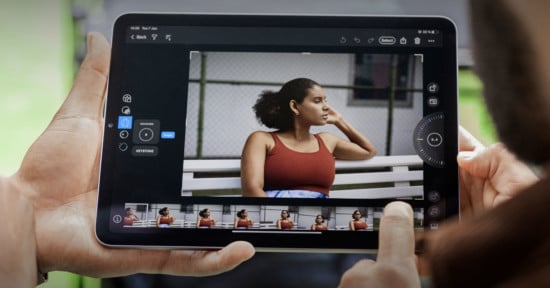
Capture One Mobile 4.0 has arrived, bringing more desktop-caliber editing features to iPhone and iPad.
Since its release in 2022, Capture One Mobile has continually added new features, coming closer to performance parity with its desktop counterpart. While the core capabilities, including tethering and many professional editing tools, were already available on iPhone and iPad, the new update brings more to mobile.
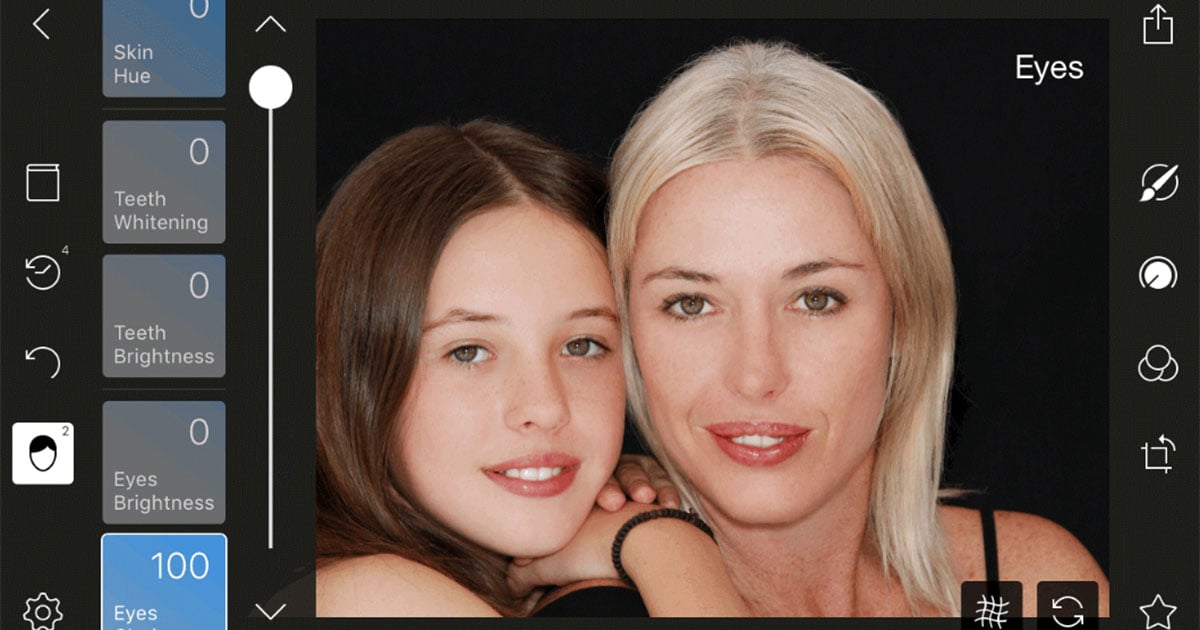
The four new tools have been highly requested by Capture One users: Enhanced Denoise, Color Balance, Heal/Clone, and Keywords.
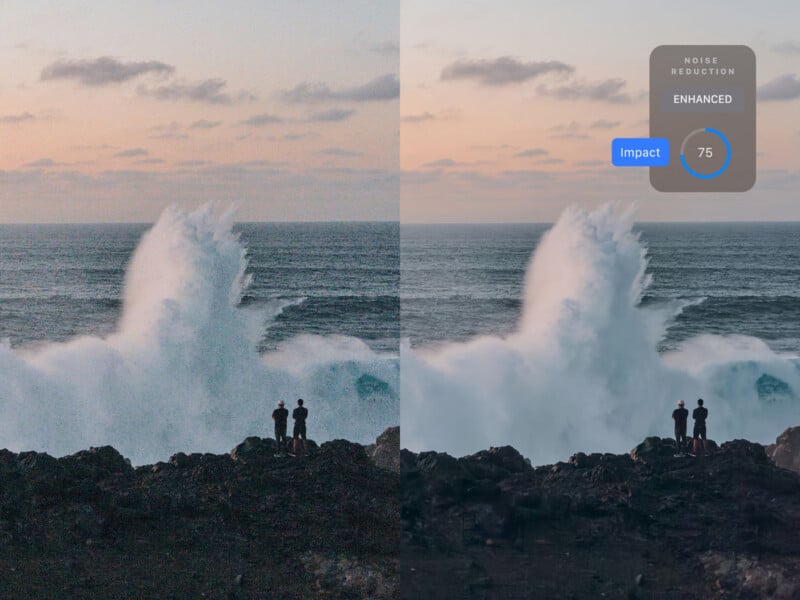
Enhanced Denoise, as its name suggests, lets users remove noise from high-ISO images on iPhone and iPad.
Color Balance delivers control over color tones in highlights, midtones, and shadows.
Heal/Clone lets users remove or clone areas of an image, such as removing a distracting element from a photo.
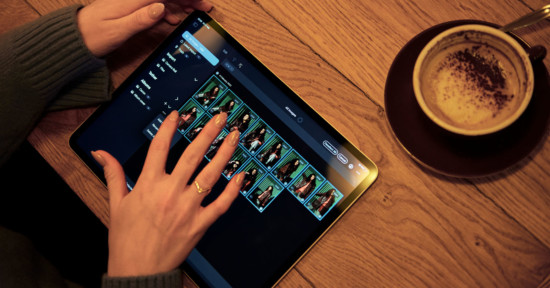
Finally, Keywords lets photographers on Capture One Mobile create tags and sort their images.
“Healing was the number one requested feature for mobile,” Alexander Flemming, Senior Product Manager of Capture One, tells PetaPixel. “Right behind it, we’re seeing a growing wave of requests for Enhanced Denoise since we shipped it on desktop.”
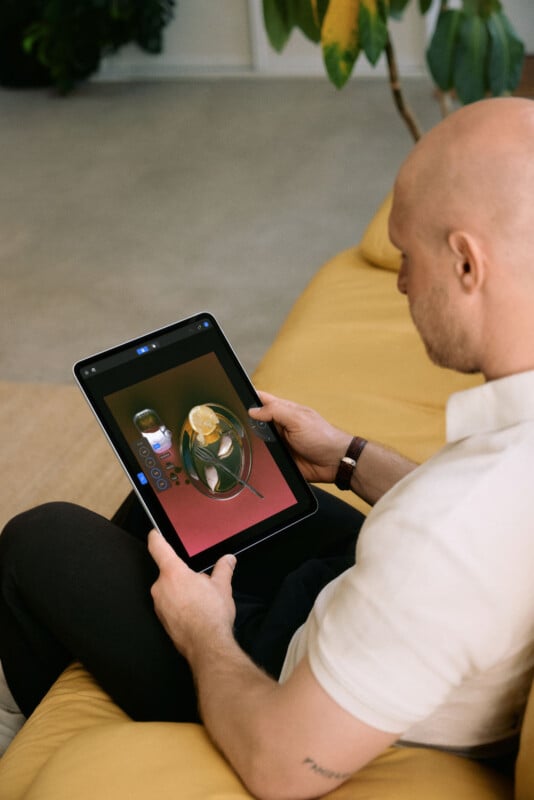
As for which tool was the most challenging to bring to mobile, Flemming says it was Color Balance.
“Its interface doesn’t match our standard mobile tool layout, so we had to rethink the UI for touch,” Flemming explains.
For Capture One’s newer tools, Flemming says the team works hard to make them platform agnostic, ensuring they’ll be easy to port to mobile. However, for older tools, like Color Balance, the process can be more challenging.
“We see Capture One as an ecosystem of creative and collaboration tools for photographers and their teams. Capture One mobile is widely used where a lightweight set-up is required: on location, on the move, or anywhere space is at a premium,” adds Kostas Kastrinogiannis, Capture One VP Product & Technology.
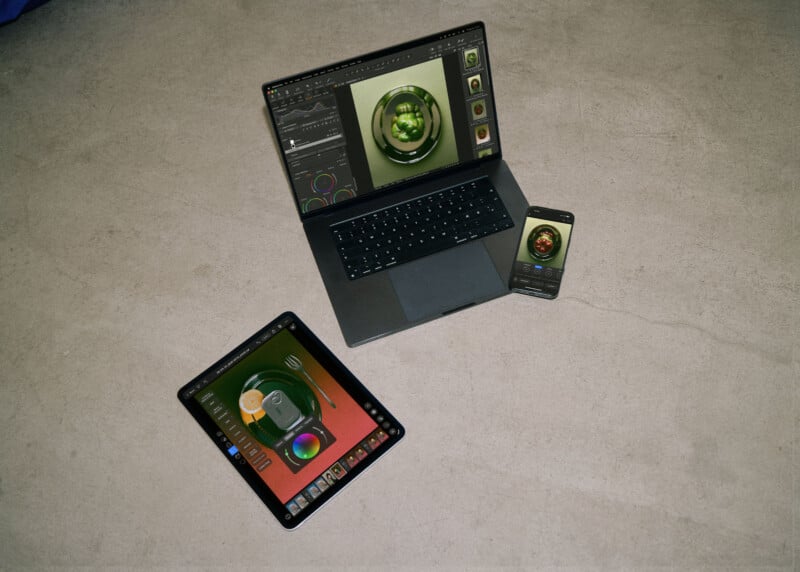
“Because our applications share components across the Apple architectures, photographers get the same image and color quality wherever they work, along with fast and reliable connectivity, including second-generation wireless tethering with Canon, and our collaboration platform, Capture One Live.”
Kastrinogiannis explains that Capture One doesn’t necessarily target feature parity across desktop and mobile just for “its own sake.”
Instead, the company focuses on broader workflows among real-world photographers, ensuring they don’t have to compromise.
“We bring across the capabilities that make sense on a mobile device, and we play to what each platform does best,” Kastrinogiannis concludes.
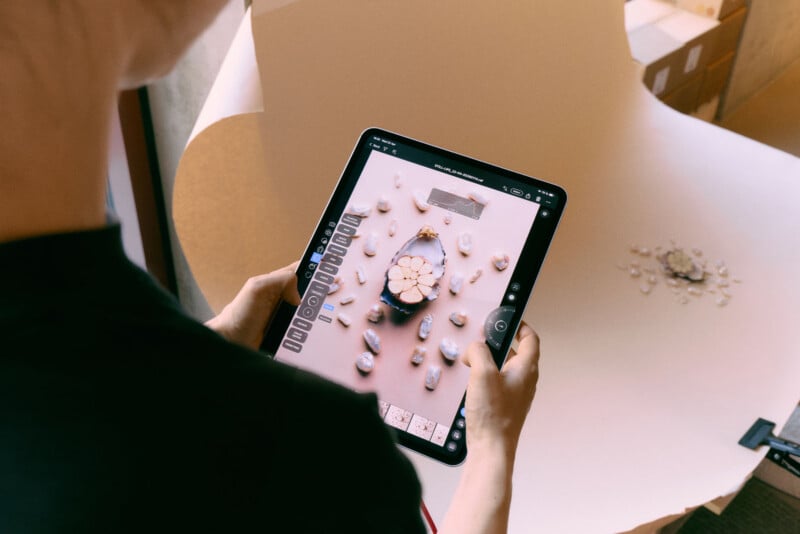
Capture One Mobile is available now on iPhone and iPad. The app requires a paid Capture One subscription to use beyond a seven-day trial period.
Image creditsCapture One
Affiliate Disclosure PetaPixel articles may include affiliate links; we may earn a commission if you buy through one.