BlackRAW Studio App Lets You Color Grade and Edit ProRes RAW on iPhone
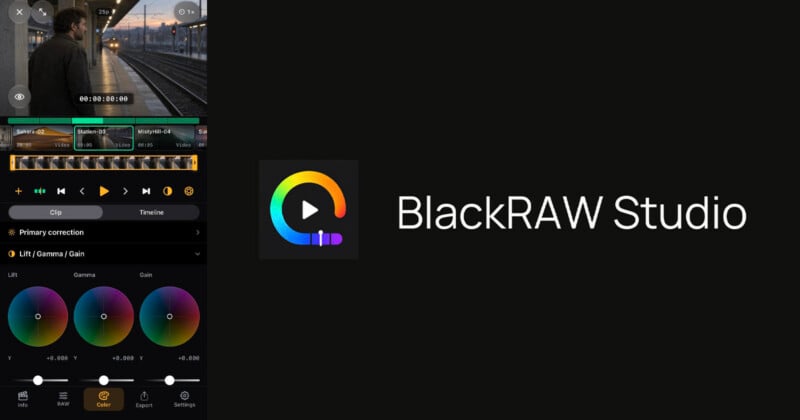
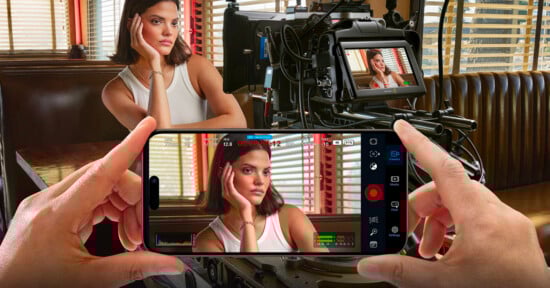
BlackRAW Studio is a new app that allows iPhone filmmakers to review, color correct, and edit Blackmagic RAW and ProRes RAW video on iPhone.
BlackRAW Studio is an expansion of the app formerly known as BlackRAW Visor, which only let iPhone users view RAW video footage — likely why the company changed its name to be a bit more all-encompassing. The app opens supported Blackmagic RAW, Apple ProRes RAW, standard ProRes, H.264, and HEVC files to give filmmakers the ability to work with camera footage quickly before taking it to a full editor.
“BlackRAW Studio complements an existing production workflow: review footage, try a look and prepare selected material on iPhone, then continue in the production’s finishing tools,” the company says.
The app promises to allow editors to open multiple clips from Files (which means it is compatible with external USB-C storage) or Photos, build a simple timeline, and set shot in/out points in a dedicated trim view.
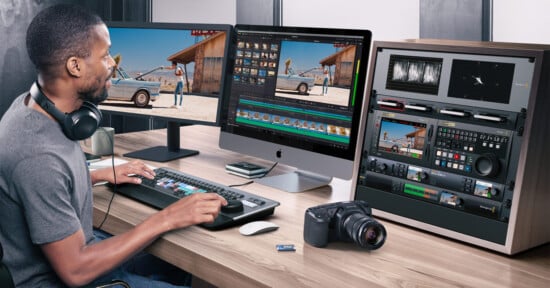
BlackRAW Studio isn’t meant to be a complete editor, but just a way for filmmakers to review footage, try different color grades, and prepare materials quickly before finishing with full production tools. That vision makes sense considering it’s unlikely someone would be shooting in Blackmagic RAW or ProRes RAW and want to fully complete a project on an iPhone.
The app’s color tools include primary adjustments, Lift/Gamma/Gain/Offset wheels, Y/R/G/B curves, HSL, and ColorSlice. It allows editors to grade individual clips or share a look across an entire timeline, similar to how one would expect it to work in a desktop editor. BlackRAW Studio also supports importing LUTs, copying and pasting color grades, and exporting supported static color adjustments as .cube LUTs.
BlackRAW Studio can export individually graded clips or render and export an entire timeline in H.264, HEVC, or ProRes 422 to either Files or Photos. Rendered clips are exported in standard dynamic range (SDR).
“For Blackmagic camera workflows, supported BRAW originals can also be trimmed to Files without re-encoding or baking in the grade. Apple ProRes RAW supports source-appropriate RAW adjustments; original RAW trimming is BRAW-only,” BlackRAW Studio says.
The app is free to download, but exporting requires upgrading to the Pro version, which is available via a subscription costing $4.99 per month, $39.99 per year, or $69.99 for lifetime access.
Affiliate Disclosure PetaPixel articles may include affiliate links; we may earn a commission if you buy through one.